
Subscription and the free plan
What's free, what AmpQuote Pro adds, how the free trial works, and how to restore, manage or cancel your subscription.
The free plan
Without a subscription you can create 3 new quotes each calendar month, counted in your own time zone, with everything else included: sending, signing, invoicing from those quotes and recording payments. The Home screen shows how many you have left.
- Revisions count as new quotes.
- Deleting a quote doesn't give it back.
- Viewing, exporting and erasing your data always work.
AmpQuote Pro
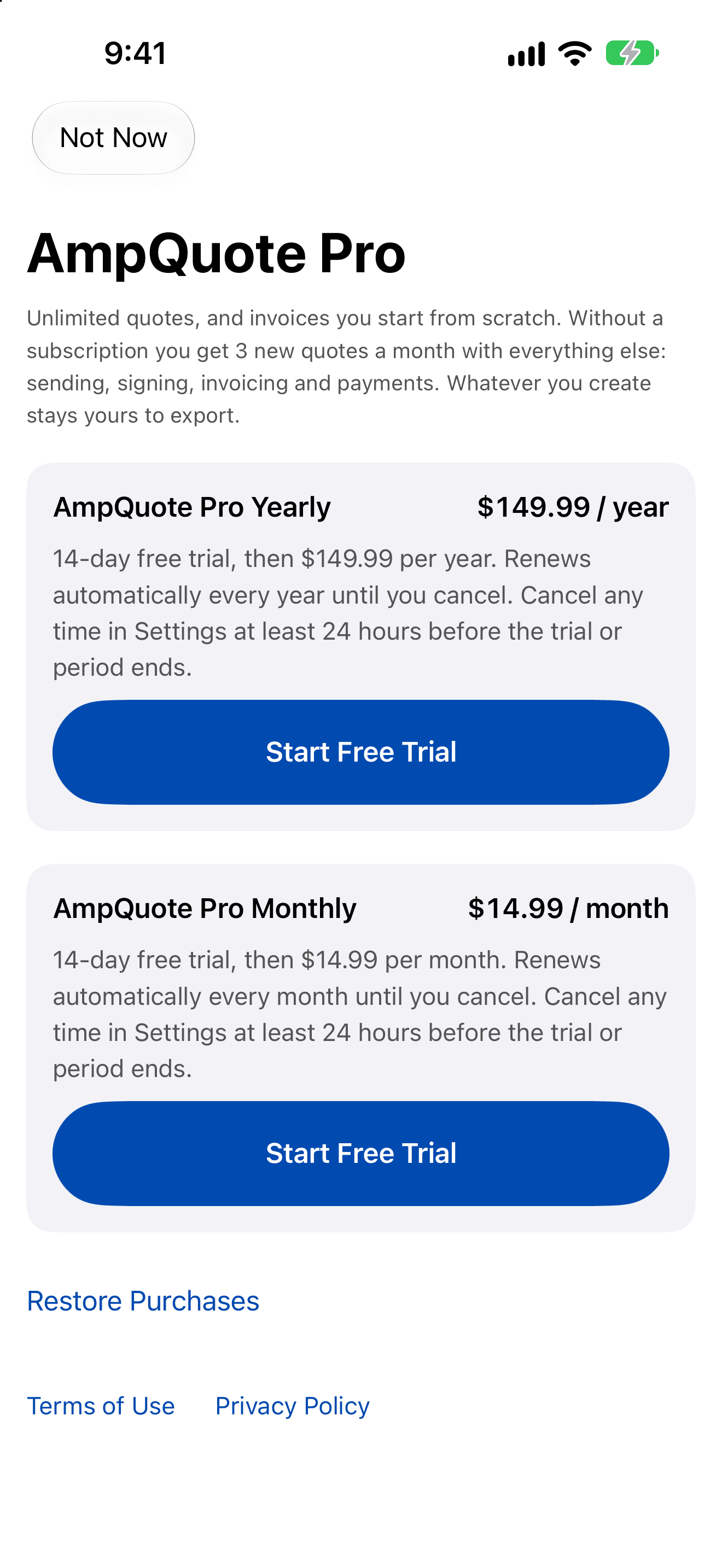
Pro adds unlimited quotes and blank invoices (invoices you start without a quote). It's an auto-renewable subscription, monthly or yearly, and each comes with a 14-day free trial for eligible new subscribers. See the prices.
- Tap See Subscription Options on the Home screen or in Settings › Subscription.
- Choose monthly or yearly and tap Start Free Trial or Subscribe.
- Confirm with Apple. Payment is charged to your Apple Account.
Restore a purchase
Sign in to the App Store with the Apple Account you subscribed with, then tap Restore Purchases on the subscription screen or in Settings › Subscription. If you see “No active subscription was found for this Apple Account.”, check you're signed in with the right account.
Manage or cancel
Tap Manage Subscription in Settings › Subscription, or go to iOS Settings › Apple Account › Subscriptions. Cancel at least 24 hours before the trial or current period ends to avoid being charged for the next one. Payments and refunds are handled by Apple.
If your subscription ends
AmpQuote goes back to the free plan. Nothing is deleted or locked: every quote, invoice and client stays usable, and you can still create 3 new quotes a month.