
App Lock and privacy
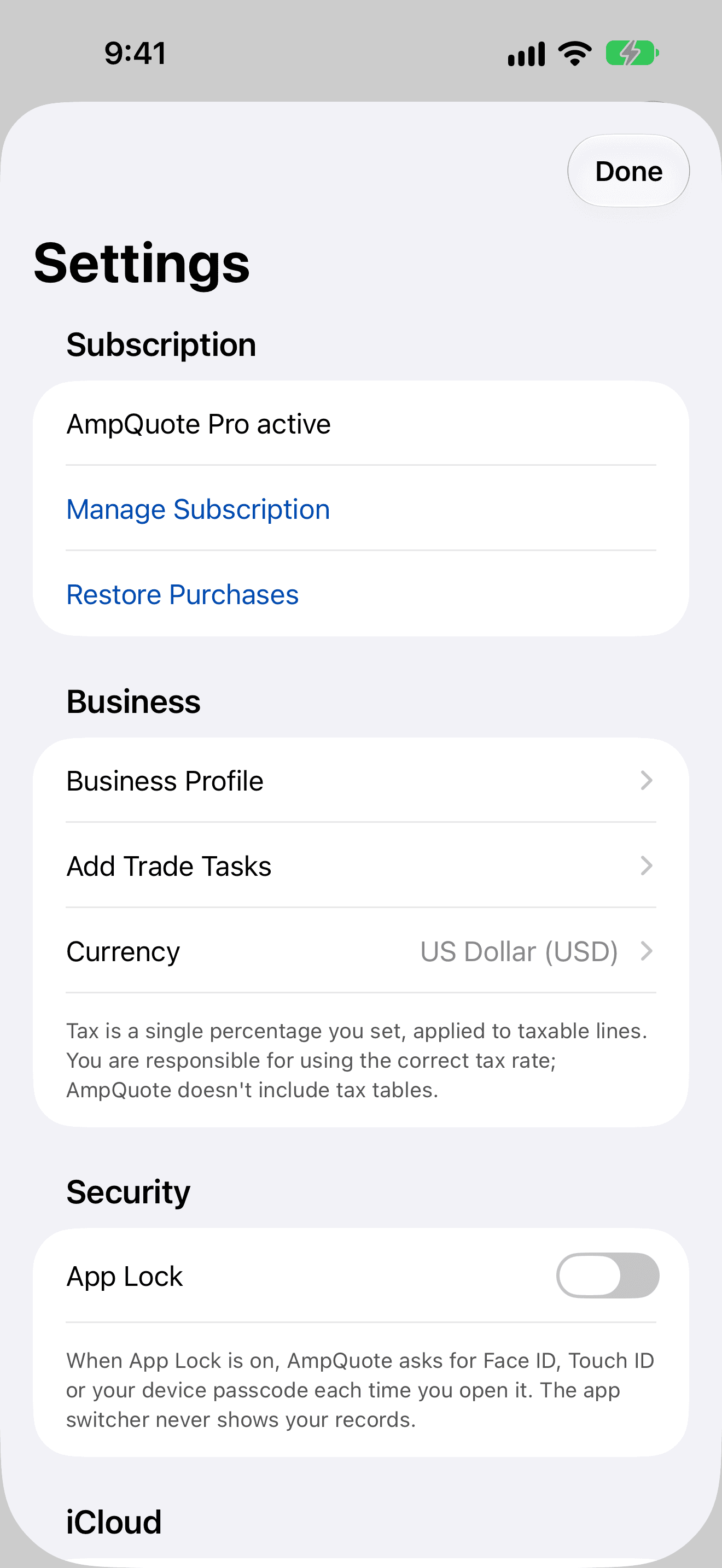
Require Face ID, Touch ID or your passcode to open AmpQuote, and keep your records out of the app switcher.
Turn on App Lock
From then on, AmpQuote asks for Face ID, Touch ID or your device passcode each time you open it, including when you come back to it. Turning App Lock off also asks you to confirm it's you.
- Open Settings › Security.
- Switch on App Lock, and confirm with Face ID, Touch ID or your passcode.
The app switcher
Whenever AmpQuote isn't the app in front, it covers its screen, so the app switcher never shows your clients or amounts. This happens even with App Lock off.
Permissions
- Camera: asked for only when you tap Take Photo. You can still choose photos from your library without it.
- Face ID: used only for App Lock.
- AmpQuote doesn't use your location, contacts or microphone.