
Using AmpQuote on iPad
The sidebar, keyboard shortcuts and separate windows for quotes, invoices and clients on iPad.
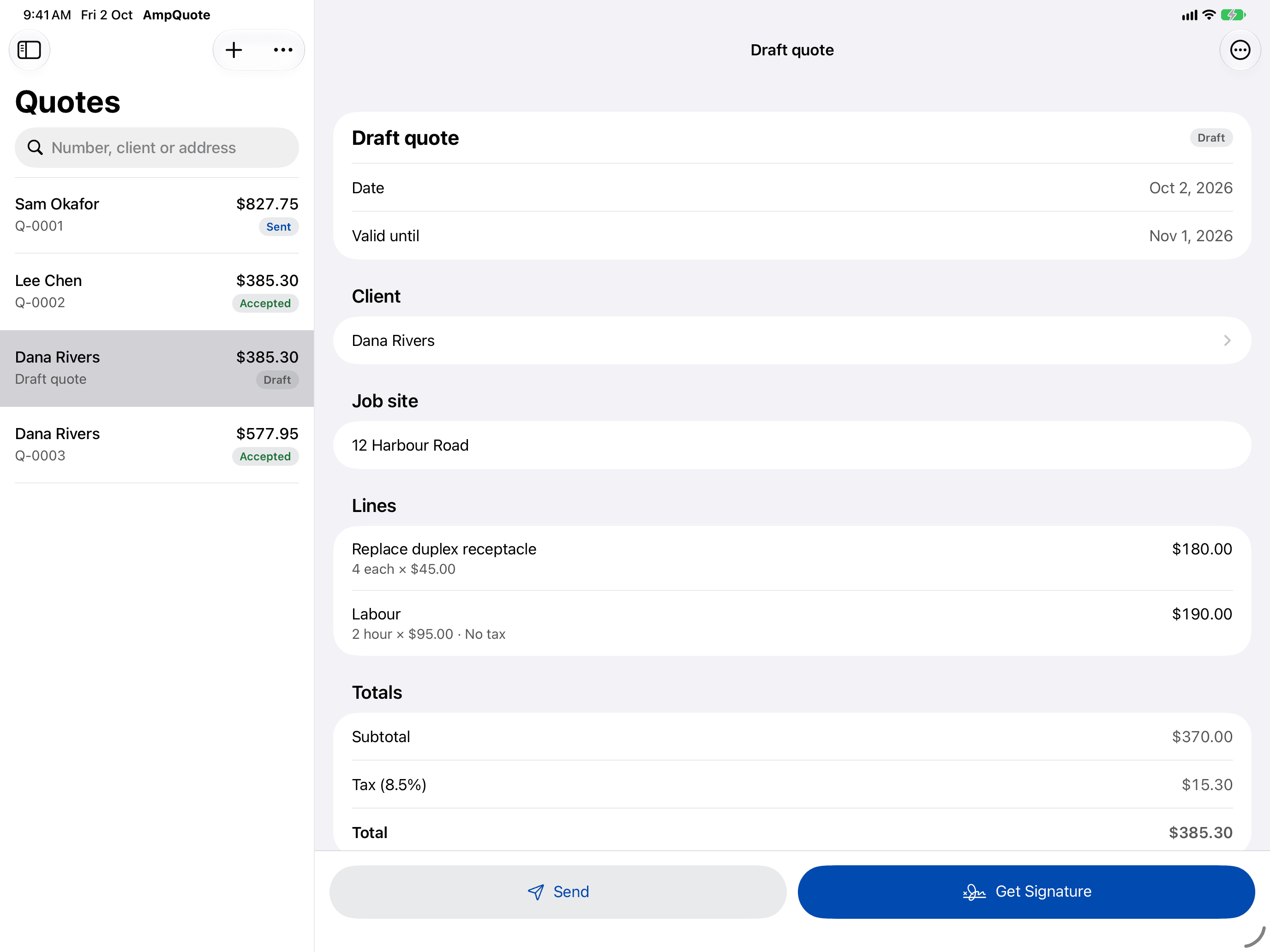
On iPad, AmpQuote shows a sidebar, a list and the selected item side by side. The sidebar has Home, Quotes, Invoices, Clients, Price Book and Settings. In narrow layouts, such as Slide Over, it switches to tabs like on iPhone.
Keyboard shortcuts
With a hardware keyboard connected:
- ⌘N New Quote
- ⇧⌘N New Invoice (needs a subscription)
- ⌥⌘N New Client
- ⌘F Find: jumps to the search field of the current list
- ⌘1 to ⌘6: Home, Quotes, Invoices, Clients, Price Book, Settings
Open in a new window
To keep a quote, invoice or client open beside another, touch and hold it in a list, or open its More menu, and choose Open in New Window.
Signing on iPad
Clients can sign with a finger or Apple Pencil. See Get a quote signed.